
Roobet Registration and Login
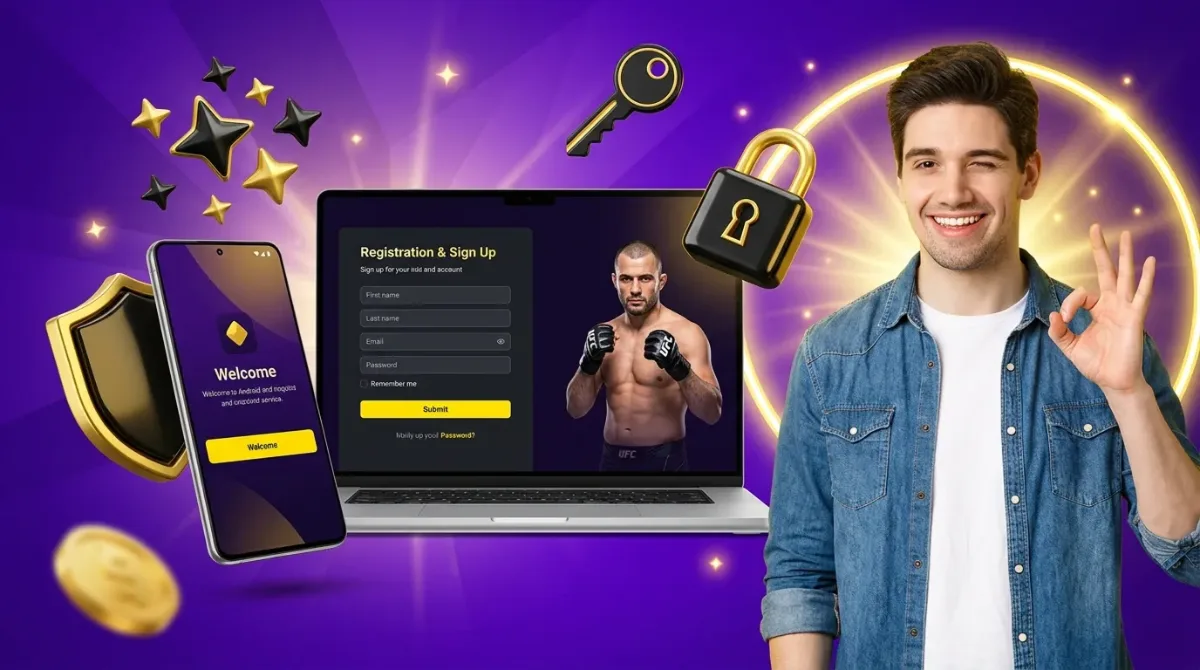
Roobet registration takes minutes via desktop or mobile browser. Learn how to create an account, complete login, verify your identity, and manage your Roobet account settings in 2026.
Opening a new account starts with a short form on the Roobet website. Read our Roobet overview for more about the platform. Roobet registration creates one set of credentials for casino play and betting activity under a single account. Players sign up through a desktop or mobile browser, so no separate download step applies.
The process asks for an email, a username, and a password. Players also select their region during signup. Region choice shapes available payment currencies and account options. After submission, the account becomes active and ready for use.
Roobet login follows directly from the created credentials. Players enter the same email and password on the sign-in panel to reach their account. One Roobet login grants entry to both casino games and sports betting sections without extra steps.
This connection keeps account access simple. Roobet registration builds the profile, and the login returns players to deposits and withdrawals, games, and promotions across desktop and mobile browsers.
Content
How to Create a New Roobet Account
The setup takes a few minutes and opens full access to casino games and betting sections. The steps below guide a player through Roobet registration from the first page load to final submission.
- Opening the website. Launch a browser and go to the official Roobet address.
- Starting the signup. Click the yellow "Register" button on the main page.
- Choosing credentials. Type a working email address, pick a unique username, and set a password.
- Selecting a region. Choose the correct country from the list to match available payment options and supported currencies.
- Adding a referral code. Enter an optional referral code in the provided field to connect any promotional reward.
- Confirming age. Tick the box that confirms an eighteen-year minimum and agreement with the terms.
- Submitting the form. Press "Play Now" to finish Roobet registration and open the new account.
- Activating email. Open the activation message and select the confirmation link to unlock extra functions on the new Roobet account.
Each action stays short, and completion of Roobet registration gives a player deposits, withdrawals, and promotional campaigns on the finished new Roobet account.
Requirements for a Roobet Account
A new player must meet a short set of conditions before account creation. These points cover age, contact details, security, location, and device compatibility.
- Minimum age. The player confirms they are eighteen years old or match the local gambling age during Roobet registration;
- Working email. The player provides an active email address for account activation and future notifications;
- Secure password. The player creates a strong password with mixed characters to protect the Roobet account from unauthorized access;
- Supported country. The player selects a region that permits account access, with restricted places like the United States, the United Kingdom, Australia, Malta, and Cyprus excluded;
- Compatible browser or device. The player uses a modern desktop or mobile browser to open the signup page and submit details;
- Local eligibility. The player confirms their residence allows them to complete Roobet registration under regional rules;
- Accurate information. The player enters a correct username and matching regional data for a valid Roobet account.
These requirements keep account setup simple and quick. A player who meets each condition can open a Roobet account and reach deposits, games, and promotional offers without extra steps.
How to Complete Roobet Account Login
Access to games and account controls starts with a quick sign-in procedure. The steps below show how to reach a Roobet account after the signup form has been submitted and confirmed.
- Opening the website. Visit the official site through a desktop or mobile browser.
- Finding the login button. Select the sign-in option placed near the top of the page.
- Entering credentials. Type the registered email or username along with the chosen password.
- Keeping access saved. Check the "Remember me" box to retain the session on a trusted device.
- Using quick sign-in. Pick Google, Steam, or MetaMask for a faster route to a Roobet account on supported interfaces.
- Submitting the form. Confirm the entered details and complete the Roobet login.
- Reviewing account status. Open the dashboard to check balance, deposits, and reward progress.
- Signing in on mobile. Repeat the same Roobet login steps through a phone browser with identical fields and shortcut options.
Available shortcut methods differ by location, so Google, Steam, or MetaMask buttons appear only where support exists. Standard email and password access remains open across every supported region for returning players.
Roobet Account Verification Steps
Identity confirmation keeps a Roobet account secure and compliant with platform rules. Checks apply at set moments during normal use and request standard documents from the player. The points below outline the typical sequence.
- Trigger moments. Account verification starts after larger deposits or withdrawals pass internal thresholds;
- First cashout review. The initial withdrawal often prompts KYC document requests before funds release;
- Photo identification. A valid passport, national ID card, or driver license covers the identity portion of account verification;
- Proof of address. A recent utility bill or bank statement confirms the player residence and matches the registered region;
- Document upload. Open the account area, select the verification section, and submit clear photo files of each requested item;
- File quality. Readable images with full edges visible speed the review of a Roobet account;
- Review timing. Standard checks finish within 72 hours, and the status appears inside the same account section;
- Lifecycle timing. Account verification can occur at signup, at first payout, or at any later point flagged by security systems;
- Approval result. Confirmed documents unlock deposits, cashouts, and full feature access for the player.
How to Enable 2FA on Roobet
Two-factor authentication adds a second security layer to login access. The steps below walk through the setup of 2FA with an authenticator app and outline the use of verification codes during each sign-in.
- Opening account settings. Log in and go to the security section of the Roobet account.
- Selecting the option. Find the 2FA control and start the setup process.
- Scanning the code. Open an authenticator app and scan the displayed QR code.
- Entering the verification code. Type the six-digit code from the app into the confirmation field.
- Confirming the link. Submit the code to connect the app with the account.
- Saving backup codes. Store any backup codes offered during the setup in a safe place.
- Testing the setup. Log out and sign back in to confirm the new security step works.
- Using codes at login. Enter the current 2FA code from the app during each future sign-in to the Roobet account.
Roobet Account Dashboard Summary
After signup, the Roobet account opens a set of control areas that cover personal data, funding, games, and records. The table below groups the main account dashboard areas and the actions each one supports.
| Section | What You Can Do |
|---|---|
| Profile Details | Edit the username, update the registered email, and confirm age eligibility stored on file |
| Deposit Page | Add funds through Bitcoin, Ethereum, USDT, USDC, Solana, XRP, Litecoin, or Dogecoin |
| Withdrawal Page | Request cashouts, review processing status, and pass identity checks before the first payout |
| Bonuses and Promotions | Enter promo codes, view active rewards, and track wagering conditions on bonus balances |
| Casino Games | Open slots, live tables, and Provably Fair games available in the account region |
| Betting Site | Place bets on listed tournaments and events across supported regions |
| History and Settings | Check past bets, deposits, and payouts, then adjust password and account preferences |
The Roobet account dashboard keeps every area in one place for faster control over funds, games, and personal records.
How to Delete a Roobet Account
Players who wish to close their profile can follow a direct process through the operator’s support channels. The steps below explain how to submit a request, prepare funds, and understand the outcome for future access.
- Locating support. Open the Help Center and find the contact or live chat option for account requests.
- Starting the request. Message the support team and state a clear intent to delete account access.
- Providing details. Include the registered email, username, and the reason for the request to close the Roobet account.
- Checking balances. Review the account balance and confirm no remaining funds stay in the profile.
- Withdrawing funds. Cash out any leftover cryptocurrency or fiat balance before support finalizes the deletion.
- Confirming identity. Supply verification documents requested during the review of the Roobet account.
- Submitting the request. Send the completed message and await the support team response.
- Understanding the outcome. Note that a request to delete account access removes login details and blocks future entry to the Roobet account.
Roobet Registration and Login FAQ
How long does Roobet registration take?
Roobet registration – 1 time setup – takes around two to three minutes from the moment the form opens to an active account. The process stays quick for a player with their email and basic details ready before the first signup attempt.
Can I have more than one Roobet account?
Each player registers a Roobet account 1 time per person. The rules allow a single account only. A player who loses access to their existing login should contact support for recovery instead of opening a new account.
What if I don’t receive the Roobet confirmation email?
A missing activation message has simple fixes during Roobet registration. Check spam or junk folders first. Verify the typed email address for errors. Request a resend from the account page. Contact support for direct help with no response after these steps.
Can I change my Roobet account email later?
Yes, the email stays adjustable after signup. Open the account settings and update the address field there, or contact support for direct help. A new Roobet account email often needs confirmation through a link sent to the fresh inbox.
Is Roobet registration free?
Creating an account on the site costs nothing. Roobet registration requires no fee at the point of signup. New users supply an email, username, and password at no charge. Players add funds later only through a personal choice to deposit and play.
Do I need to verify my account to withdraw?
Account verification often connects to cashout requests. Roobet can ask for document checks before or during a withdrawal, especially for larger amounts or a first cashout. Submitting photo identification helps complete the review and release the requested funds without delay.
Can I sign up for Roobet on mobile?
Yes, Roobet registration works on mobile devices through any browser. Mobile users select the same "Register" button found on desktop. They provide identical details such as email, username, password, and region. The process stays consistent across phones and computers.
How do I reset my Roobet password?
Select the "Forgot password" link on the Roobet login page. Enter the registered email address. A reset email arrives with a secure link. Open the link and set a new password. Save the change and return to the account with fresh credentials.